Best things you can get with .Edu email
Top .edu Student Email Benefits (Save Money + Get Pro Tools)
A .edu student email can unlock some of the best freebies and discounts online, from developer tools to AI subscriptions and productivity apps. Below are the top benefits worth claiming, plus quick steps to activate each one.
Note: Eligibility rules can vary by country, school, and verification provider. Always confirm the final terms on the official offer page before subscribing.
✅ Quick List of the Best .edu Benefits
- GitHub Student Developer Pack (developer tools + learning resources)
- Amazon Prime Student (shipping + streaming + student pricing)
- Perplexity Education Pro (student-verified AI plan)
- Google Gemini / Google AI Pro for Students (free for 1 year)
- Microsoft 365 Education (Word/Excel/PowerPoint web apps + Teams)
1) GitHub Student Developer Pack 👨💻
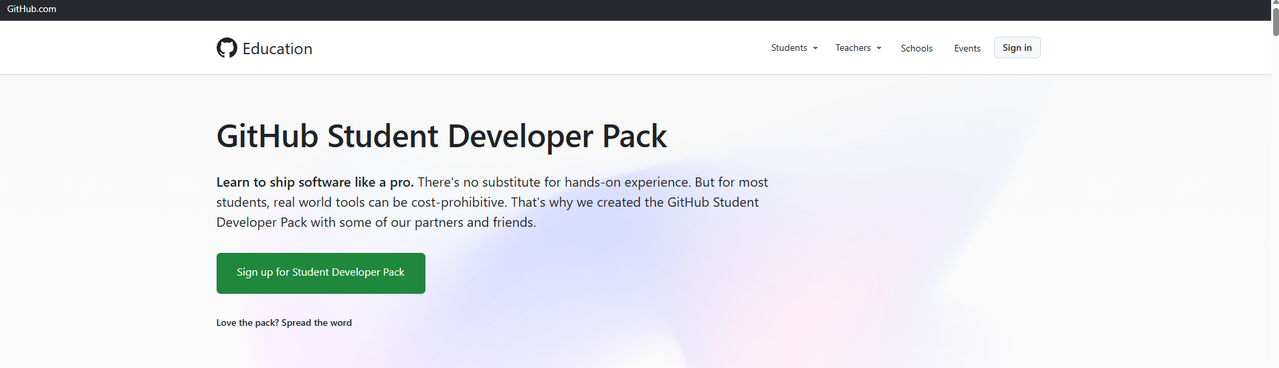
The GitHub Student Developer Pack is one of the highest-value student perks online. Verified students can access a bundle of developer tools, services, and learning resources designed to help you build real projects faster.
Official page: GitHub Student Developer Pack
What you get
- Free or discounted access to popular developer tools and platforms
- Resources for learning and building portfolios (apps, websites, automation, etc.)
- Student-only offers from multiple partners (changes over time)
How to claim it
- Create (or log into) your GitHub account
- Go to the Pack page and click the student application/verification flow
- Verify your student status (often via school email or supporting documents)
- After approval, claim offers inside the GitHub Education portal
2) Amazon Prime Student 📦🎬
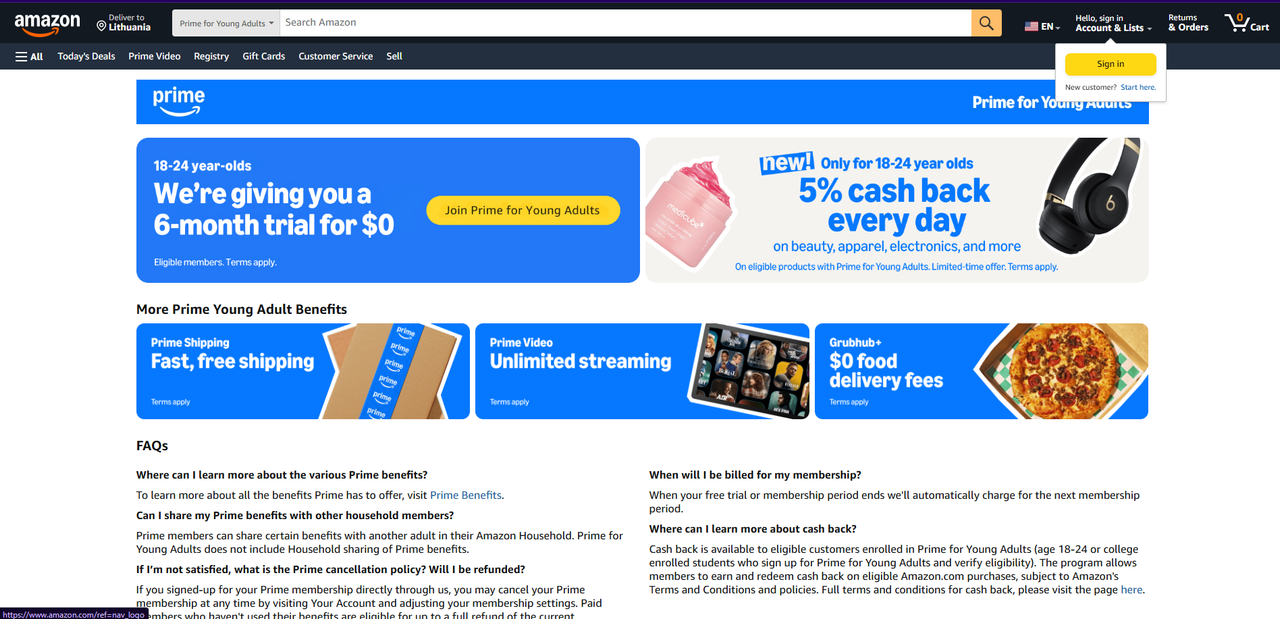
Amazon Prime Student (also shown as “Prime for Young Adults” in some regions) offers student pricing and often includes a free trial period. Great if you order textbooks, tech, or anything you need quickly.
Official page: Amazon Prime Student
Typical benefits
- Student-discounted Prime membership (pricing and duration may vary)
- Fast delivery benefits (where available)
- Prime Video, deals, and other Prime features depending on your region
How to claim it
- Open the Prime Student page and click to start
- Sign in or create an Amazon account
- Verify student eligibility (often with a .edu email or verification flow)
- Confirm the discount/free trial details shown before you finish
3) Perplexity Education Pro 🎓🔎
Perplexity Education Pro is a student/faculty-verified version of Perplexity’s premium plan. It’s designed for research, studying, and writing, with education-focused perks.
Official page: What is Education Pro?
Why it’s useful for students
- Stronger research workflow (sources, citations, and study features)
- Useful for summarizing readings, generating study notes, and exploring topics faster
- Education plan perks depend on verification and current program terms
How to claim it
- Create or log into your Perplexity account
- Open the Education Pro page and start verification
- Verify your student status (commonly via a verification provider)
- Activate the education plan shown for your account
4) Google Gemini / Google AI Pro for Students 🤖📚 (Free for 1 Year)
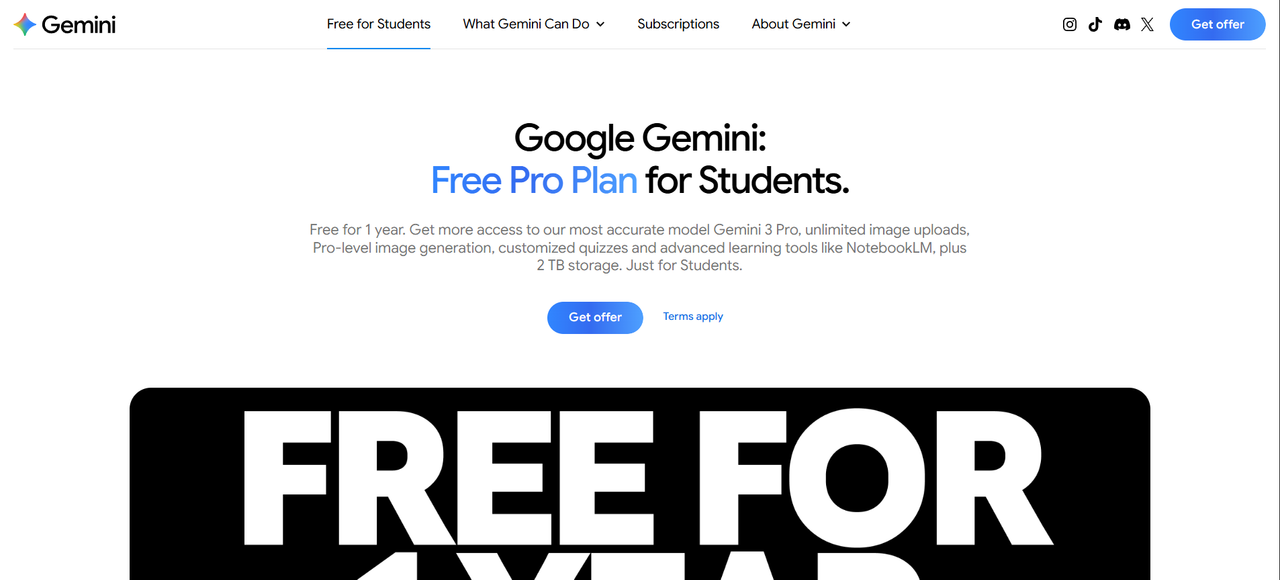
Google offers a Google AI Pro student offer that can include enhanced access to Gemini features and other study tools. If you use Google products daily, this is one of the easiest “high value” perks to activate.
Official page: Google AI plans (student eligibility)
What it can help with
- Homework support, writing improvements, and exam prep workflows
- Research + organization for school projects
- Offer details depend on eligibility and current terms
How to claim it
- Sign in to your Google account
- Open the student offer page and check eligibility
- Verify your student status (if prompted)
- Activate the plan and confirm it shows “free for 1 year” before completing
5) Microsoft 365 Education 🧑🎓💼
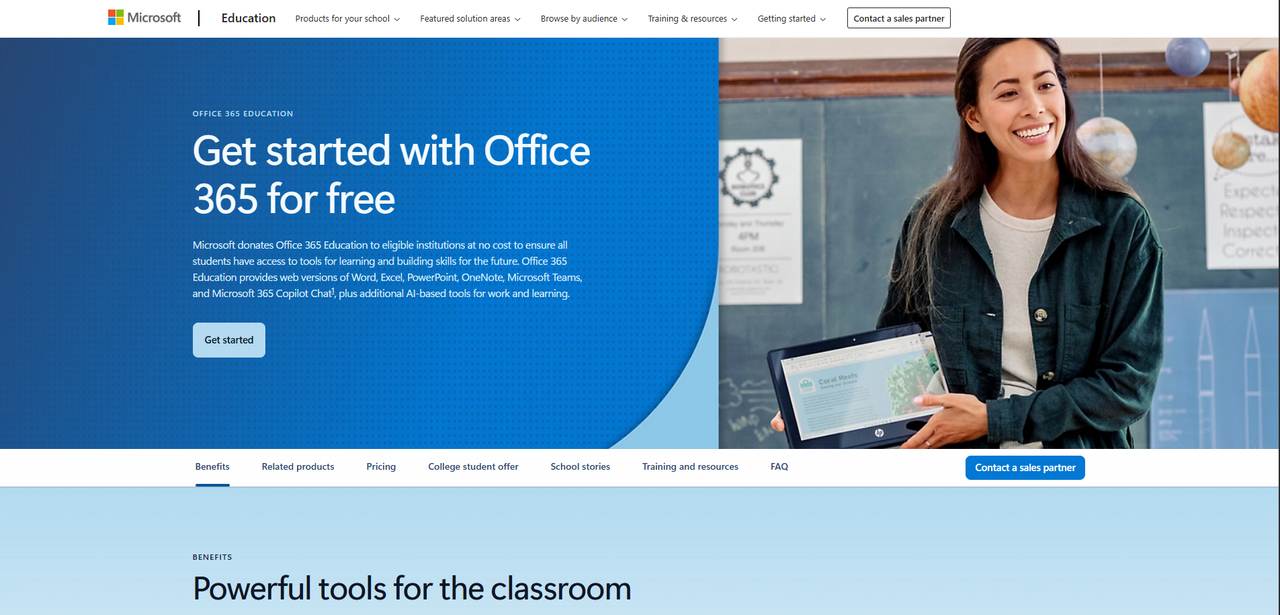
With an eligible school email, you can often access Microsoft 365 Education for free, including web versions of Word, Excel, PowerPoint, OneNote, and Teams. Storage and desktop app availability can vary depending on your school’s plan.
Official page: Microsoft 365 / Office 365 Education
What you usually get
- Office web apps (Word/Excel/PowerPoint/OneNote)
- Microsoft Teams for collaboration
- OneDrive storage based on your school’s configuration (not identical everywhere)
How to claim it
- Open Microsoft’s Education page and enter your school email
- Complete verification (if required)
- Sign in with your school account and start using the apps
- Check what’s included for your institution (web apps vs desktop apps, storage limits, etc.)
How to Get the Most Value From Your .edu Email 💡
If you want maximum benefits with minimum effort, use this simple approach:
- Claim long-term value first: GitHub Pack + Microsoft 365 Education
- Then claim subscriptions: Google AI Pro student offer + Prime Student
- Add research tools: Perplexity Education Pro for studying and writing
Common issues (and fixes)
- Verification fails: try your school portal email format, check inbox spam, or use alternative verification options if offered
- Offer not available in your region: some deals are country-specific
- Already used an offer: many student perks are one-time or limited duration
FAQ
Do I need a .edu email for all these benefits?
Not always. Some services accept other school domains or alternative proof, but a .edu email usually makes verification faster.
Are these benefits available worldwide?
Some are global, others are region-limited. Always check the official page for your country and school eligibility.
Can I lose access after graduation?
Yes. Many student offers require ongoing eligibility, and some expire after a set time or when your school email becomes inactive.
Key Takeaways ✅
Best overall: GitHub Student Developer Pack + Microsoft 365 Education.
Best subscriptions: Amazon Prime Student + Google AI Pro student offer.
Best for studying: Perplexity Education Pro.